

Open-WebUI
Open-WebUI (formerly Ollama WebUI) is an open-source, self-hosted web management tool designed for the local or private deployment of large language models (LLMs). Its core objective is to deliver a ChatGPT-like interactive experience while supporting offline operation and highly customizable functionality.
Installation
To simplify the process of using large language models (LLMs) on your K1 device, we have developed an Open-WebUI deb package for K1, enabling one-click installation and deployment (requires system version 2.1.1 or later):
sudo apt update
sudo apt install openwebui
Wait for the installation to complete.
Usage
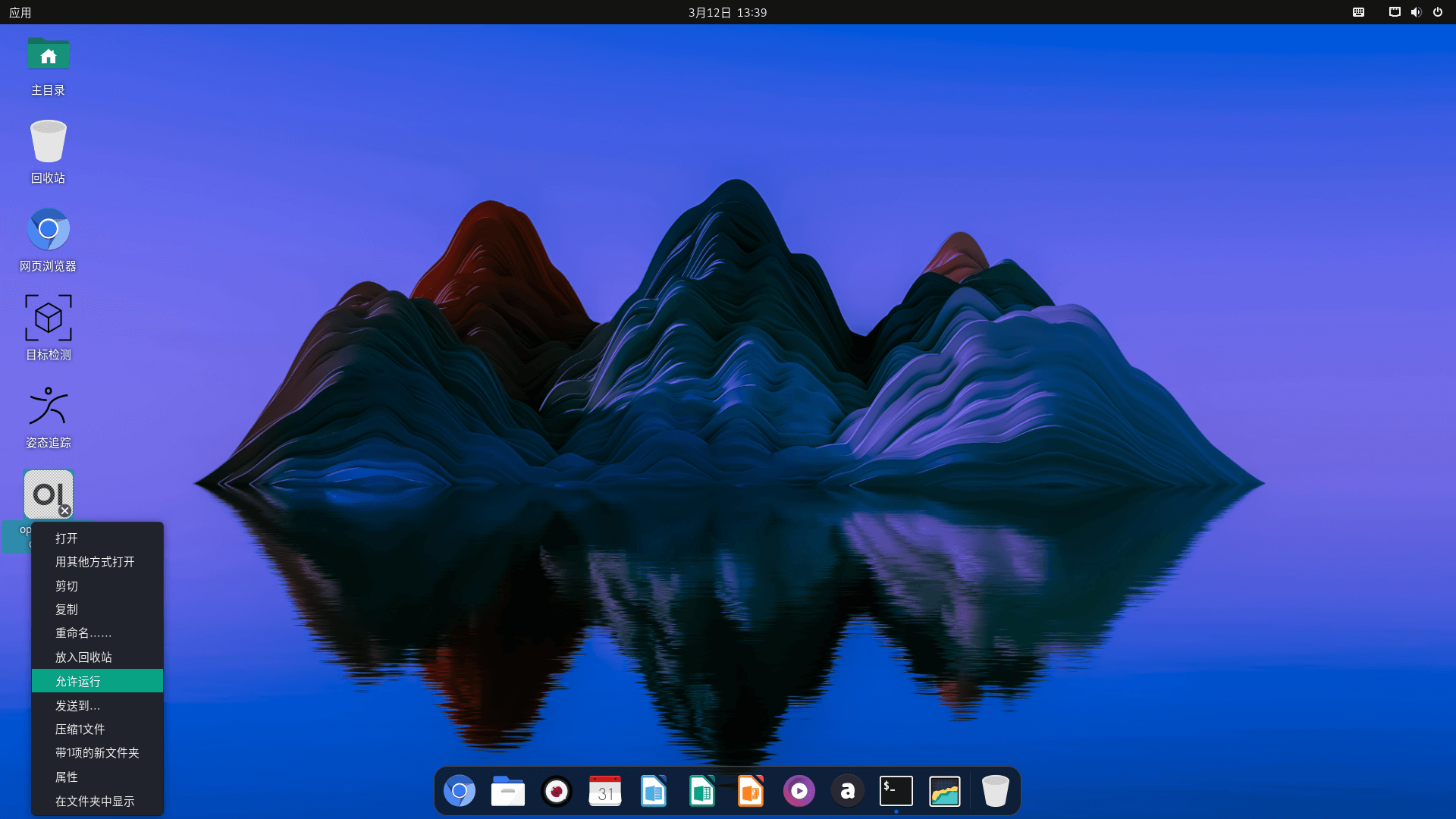
Right-click the openwebui desktop icon, select "Allow Execution" to launch the application.
Model Creation (Optional)
This .deb package consists of the Open-WebUI and Ollama container images. To create a model, simply enter the Ollama container and follow the steps below. Here is an example of how to create a model. First of all, Access the container shell:
sudo docker exec -it ollama bash
apt update
apt install wget vim
cd /root
wget https://huggingface.co/second-state/Qwen2.5-0.5B-Instruct-GGUF/blob/main/Qwen2.5-0.5B-Instruct-Q4_0.gguf
wget https://archive.spacemit.com/spacemit-ai/modelfile/qwen2.5:0.5b.modelfile
ollama create qwen2.5:0.5b -f qwen2.5:0.5b.modelfile
Afterward, restart the Ollama container and re-enter Open-WebUI to use the accelerated model:
sudo docker restart ollama