5.2.1 Voice Activity Detection
Feature Introduction
This section introduces how to use Voice Activity Detection (VAD) models to automatically detect human speech and control recording behavior. The system will start recording when speech is detected and automatically stop when silence is detected.
Project repository: ⭐ Bianbu AI Demo Zoo | NLP
Preparation
Download Model Files
wget -O ~/.cache/sensevoice.tar.gz https://archive.spacemit.com/spacemit-ai/openwebui/sensevoice.tar.gz
tar -xzf ~/.cache/sensevoice.tar.gz -C ~/.cache
rm ~/.cache/sensevoice.tar.gz
Clone Repository Code
git clone https://gitee.com/bianbu/spacemit-demo.git
Install Dependencies
sudo apt update
sudo apt install onnxruntime python3-spacemit-ort
sudo apt install python3-numpy
sudo apt install python3-pyaudio
Detect System Recording Devices
Method 1: Using arecord
Run the following command to view the system's recording device list:
arecord -l
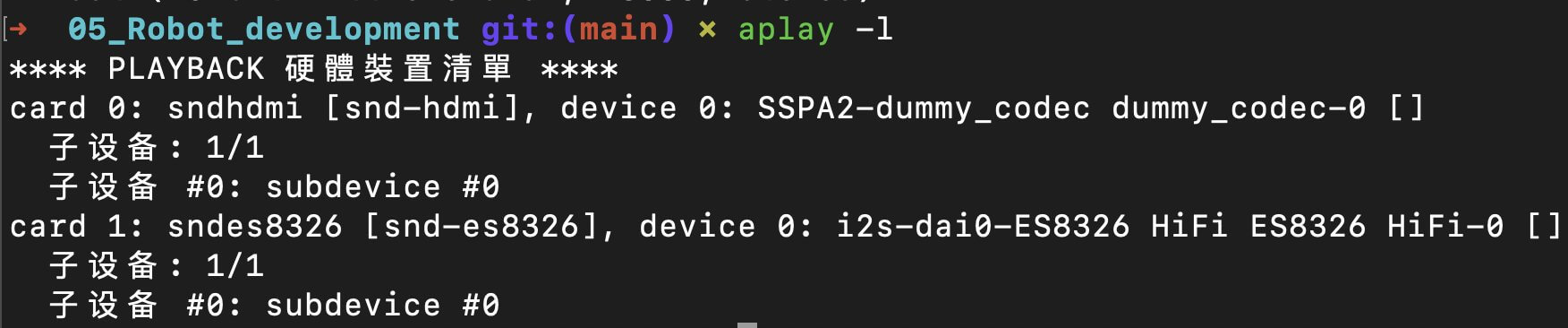
Record the device index number you need to use.
Method 2: Run Script for Automatic Search
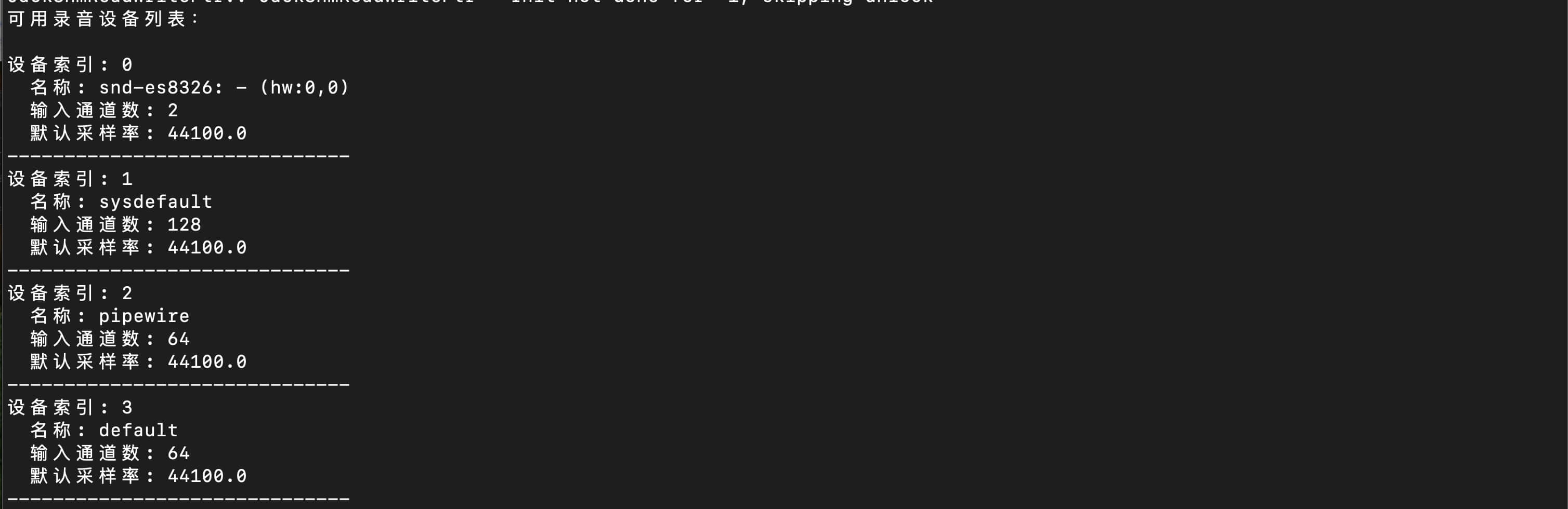
Execute the following script to enumerate recording devices in the system:
python3 01_search_device.py